Frame and print photo keychains at your events.

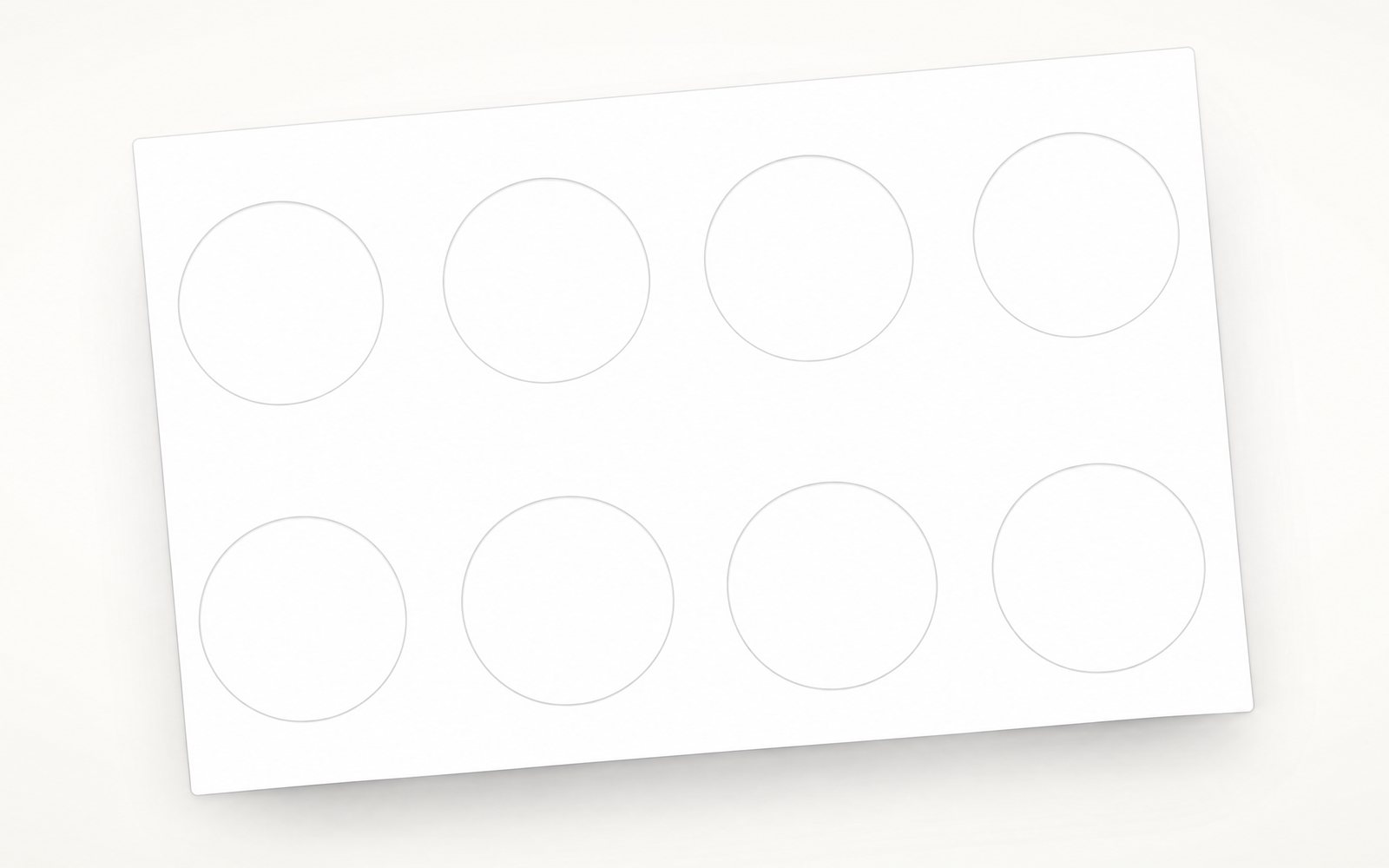
Frame guest photos, print sheets laid out for your cutter, and hand off keepsakes all night.Punchframe is the on-site workflow for photobooth operators, event photographers, and small photo-keepsake businesses. Configure your cutter once, then frame, print, and hand off all night.
Free demo · Watermarked prints · No credit card required
From photo to hand-off in three steps
Designed for the floor. Fast enough to keep up with a busy booth.
Photos come to you
Booth shots and guest uploads land in one queue, ready to frame.

A booth camera shows as connected and a guest scans the event QR code on their phone with no app. Photos from both the booth and guests land in the Incoming list, each tagged Booth or Guest, and the count rises to four.
Frame in seconds
Pan, zoom, confirm. Most photos take a few seconds.

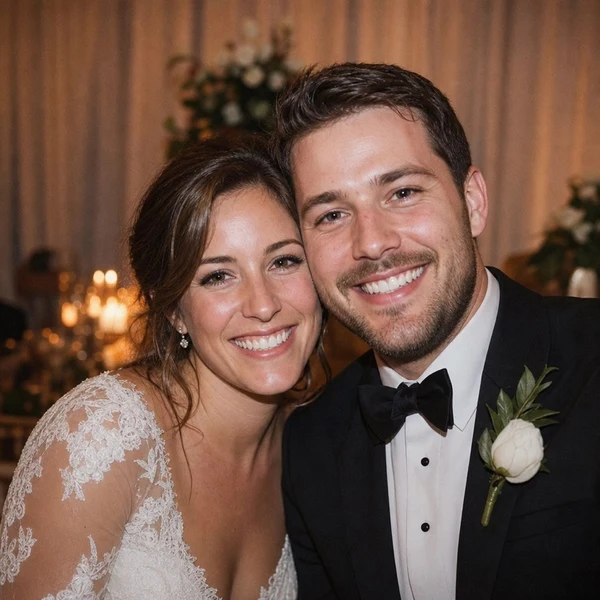
A booth photo opens from the Incoming list in the framing editor at a poor crop. The cursor pans and zooms the circle to fit the couple, confirms, and the framed photo drops into slot 1 of the current sheet. A badge reads Framed in 0:04.
Print, punch, hand off
Every sheet is laid out for your cutter, so it lines up the first time.

The full sheet of eight framed photos prints, a circle cutter punches out each one, and the finished keychains gather together with the caption 8 keychains, one sheet, ready to hand off.
Try it on your phone
Frame a keepsake in a few seconds. Scan the code with your phone camera.
Try the demoPrinted borders
Sell the custom keepsake
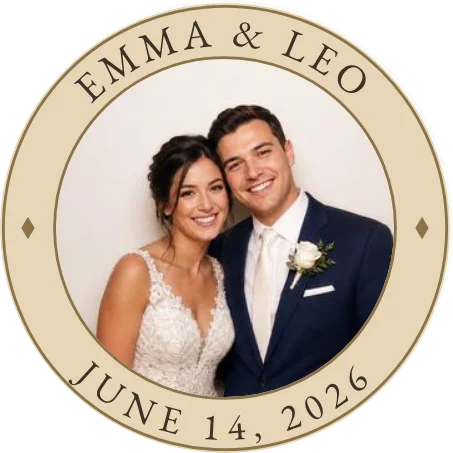
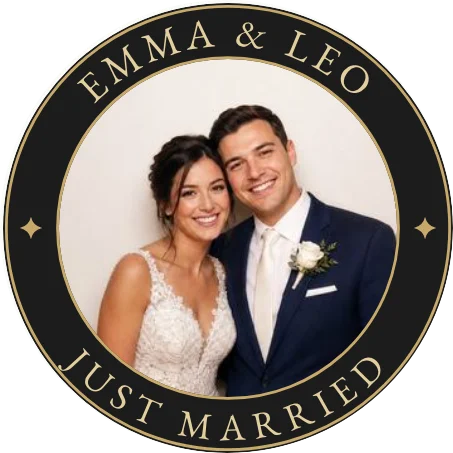
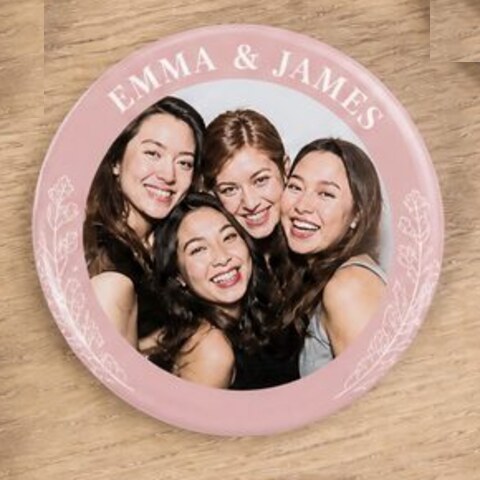
Wrap every photo in a border with the couple's names or the event title. On the Business plan, it prints on the same sheet at no extra material cost. Your client picks the style and approves it from a private link.

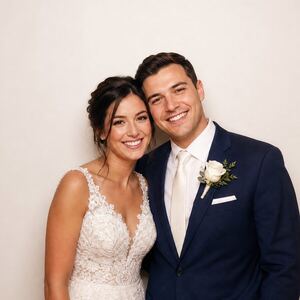
A bride named Sarah texts asking what the keychains can look like. The operator picks a border design in the editor, then makes it bolder, thinner and simpler with ivory, black, the couple's names and the date, while a live preview of the 32 mm keychain updates. The operator sends her an approval link and she replies that it is approved.
Weddings
Hardware compatibility
Works with any circle or square cutter
Set your shape dimensions once. Punchframe handles the layout.
Keychains
Keychain rings
Magnets
Fridge-ready
Buttons
Pin-back style
Features
Everything the booth needs
Runs on its own. No photobooth software required.
Photos arrive already framed
Punchframe finds the faces and fits them inside the cut shape. Groups get a tight crop, solo shots get room around the head. Most photos just need Enter.
Frame photo
Drag to pan · Slide to zoom
Most croppers stop here.
Punchframe fills the rest with colour from the photo.
Works with any booth software, or none
Our Windows app syncs a folder like Dropbox: whatever lands in it shows up in your queue. Use any photobooth software, a DSLR, or nothing but guest uploads. Download for Windows
Guests send their own photos
Guests enter the event code on their phone, upload a photo, and crop it themselves. It lands in your queue ready to print.
Backs that match the front
Wedding monograms, company logos, or a second photo on the back of every keychain.
Know your count without counting
A live tally per event. Two-sided keychains count once, so the number matches what you bill.
Pricing
Start free. Upgrade for paid events.
Demo
- Every Business design tool (prints watermarked)
- Borders, keychain backs, client approval link
- Unlimited events
Pro
- No Punchframe watermark on prints
- Full framing + printing workflow
- Unlimited events
Business
- Printed borders with names or event title
- Client design & approval link
- Custom keychain backs
Cancel anytime · 14-day money-back guarantee · See full pricing
Common questions
Who is Punchframe for?
Does it work with my cutter brand?
Can I use it for magnets, not just keychains?
What printer does it work with?
How does the guest upload portal work?
Is there a free tier?
What happens if the internet drops at the event?
Ready for your next event?
Set up your first event in minutes. Frame photos in seconds. Hand off keepsakes all night.
Free demo · Watermarked prints · No credit card required